 Contact Us
 Help Center
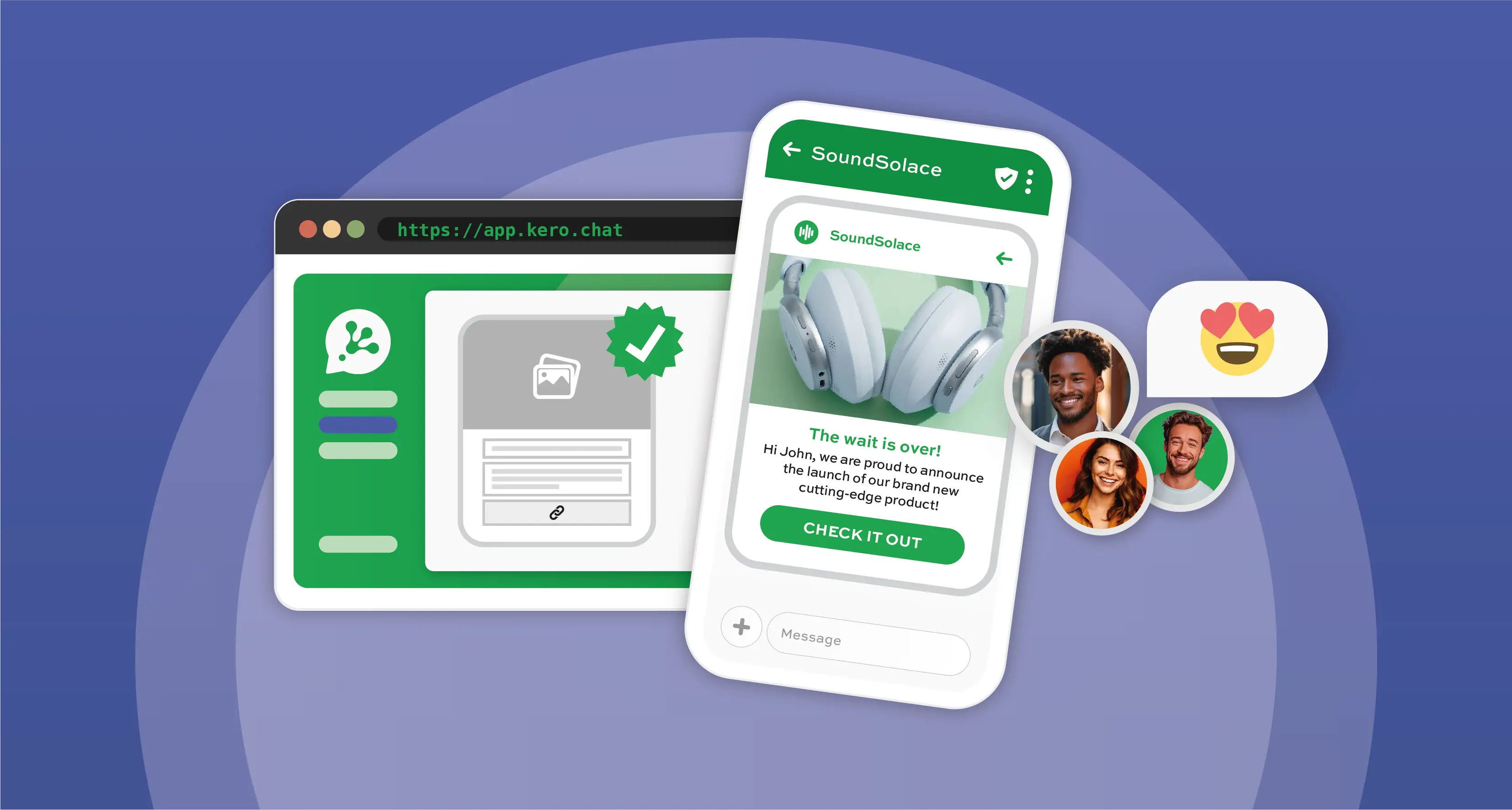
What is the WhatsApp Business API?
The WhatsApp Business API (now officially known as the WhatsApp Business Platform or the Cloud API) is an enterprise-grade solution designed for medium and large businesses. Unlike the free, downloadable WhatsApp Business App, the Platform is a non-visual API (Application Programming Interface) built for scale, enabling features like:
- multi-agent access with unlimited team members managing chats from a single number,
- full automation through AI chatbots and customer service software,
- high-volume messaging for marketing and notifications, and
- seamless integration with your CRM, ERP, and helpdesk systems.
Getting Started
To get started, you will need three things: a dedicated phone number that is not currently registered on WhatsApp, a Facebook Business Manager account, and a WhatsApp messaging provider as a solutions partner.
A messaging partner like Kero handles the technical infrastructure to integration with the WhatsApp Business Platform and offers user-friendly dashboards, making the experience significantly easier than self-hosting. Instead of dealing with servers and complex configurations, you onboard through your chosen partner, who guides you through the setup and ensures all your technical requirements are met.
The initial setup includes connecting your Business Manager account, applying for API access, verifying your business with documentation, confirming phone number ownership, and setting up your WhatsApp display name. Once Meta approves everything, your number becomes API-enabled and ready for automated, large-scale communication via the WhatsApp channel.
Integration and Message Templates
After approval, you can integrate WhatsApp into your existing tools – connecting it to your CRM, helpdesk software, or internal systems so business messages flow directly into the tools your team uses daily. The Kero platform streamlines this process by offering intuitive dashboards, seamless integration capabilities, and guided support. Instead of writing code, you can build automated flows, trigger notifications, manage message templates, and monitor performance from one interface.
Message templates are essential for using the WhatsApp Business API. WhatsApp requires template approval for any outbound messages, such as marketing, appointment reminders, OTPs, updates, alerts, or follow-ups. Your messaging partner can help you create and submit these templates to stay compliant whilst delivering timely, personalised communication. Once approved, templates can be automated as part of your customer journeys.
Common Use Cases and Monitoring Messaging Analytics
Businesses commonly use the WhatsApp Business API for automated onboarding, customer support routing, order updates, booking confirmations, and FAQ-driven flows. Because everything runs through the Cloud API, the experience is dependable, fast, and scalable – even during peak periods.
Through your messaging partner’s analytics reporting dashboard, you can track delivery rates, read rates, response patterns, and session usage to refine your communications strategy. With a platform like Kero, you also receive guidance on optimisation, best practices, and new WhatsApp features as they roll out.
Using the WhatsApp Business API is straightforward with the right partner support. With the Cloud API and a reliable partner, you can build automated WhatsApp business messaging journeys, integrate directly with your systems, and create seamless communication experiences that customers genuinely appreciate.
To find out more about how to get started on setting up the WhatsApp Business API for your business, contact the Kero team today.

