 Contact Us
 Help Center
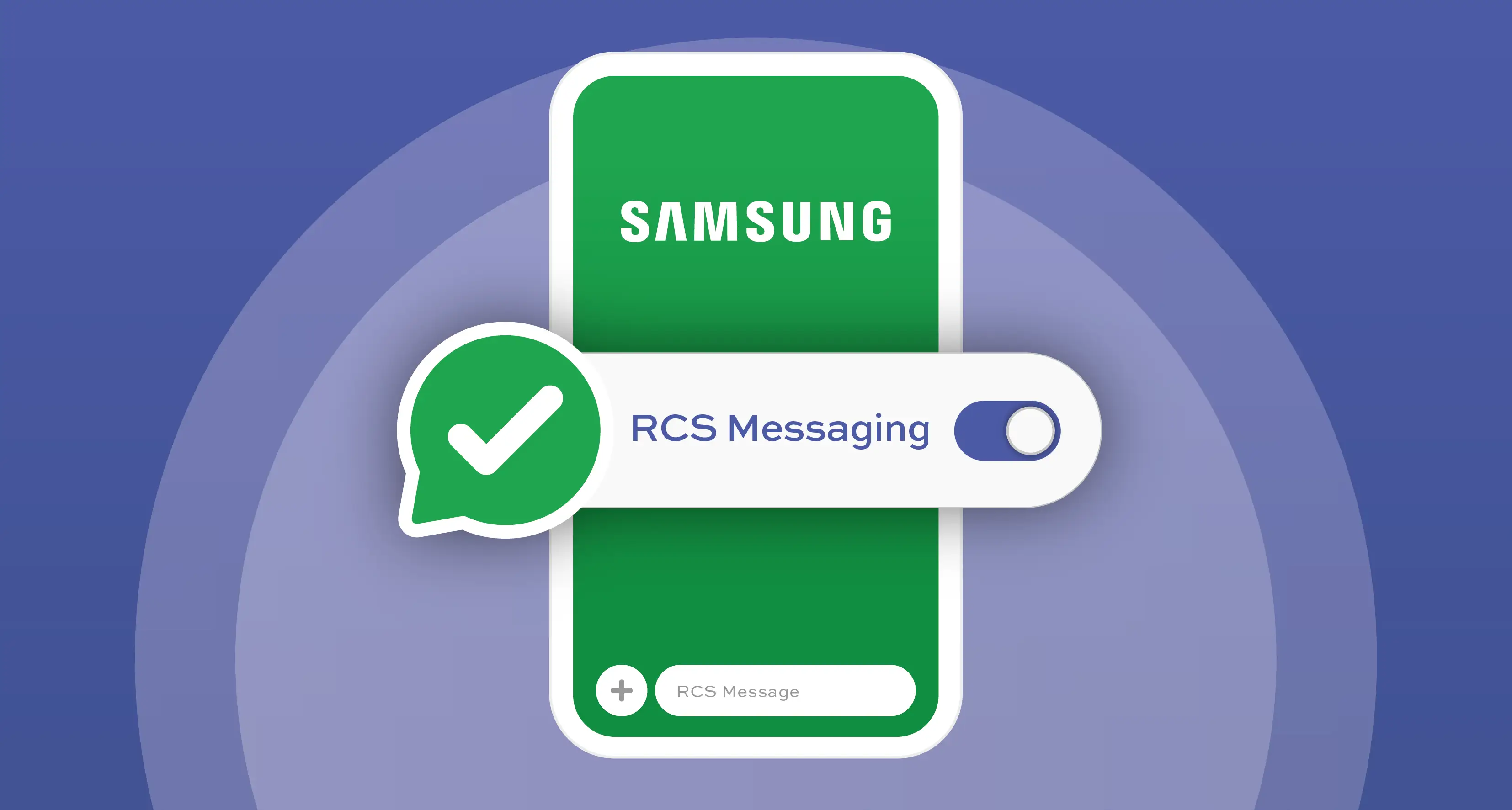
Before you unleash the power of RCS, make sure your Samsung device is rocking software version 5.0 (Lollipop) or above and is connected to Wi-Fi or mobile data.
Ready to level up your chats with RCS? Follow our super simple step-by-step guide to activate your RCS chats and connect with verified brands like never before!
Enable RCS Messaging Your Samsung Mobile Device
For Samsung Native SMS App Users:
1. Start by making sure your Samsung SMS app is up to date. If it’s not, go grab that latest version!
2. Open your Samsung SMS application .
3. Head into the settings menu.
4. Tap on “Chat Settings” at the top.
5. When prompted to register for the chat service, hit ‘Start’ and activate your RCS chat service.
It’s as easy as that!
For Google Messaging App Users:
1. First things first, make sure you’ve got the latest version of the Google Messaging app— and open it up!
2. Click on the Google profile icon in the top right corner of your messaging inbox.
3. In your profile, select Message settings.
4. Click on “RCS Chats” at the top.
5. Toggle the switch to ‘Turn on RCS chats.’
6. Hit ‘Verify my number’—pick your country, enter your mobile number, and add it.
7. After completing these steps, watch for your mobile number to appear with ‘Status: Connected.’
You’re now officially part of the RCS community!
By following these exciting steps, you’re joining a vibrant global community of RCS messaging users and can start to receive RCS Business Messages from your favourite brands! Let the conversations flow like never before!
