 Contact Us
 Help Center
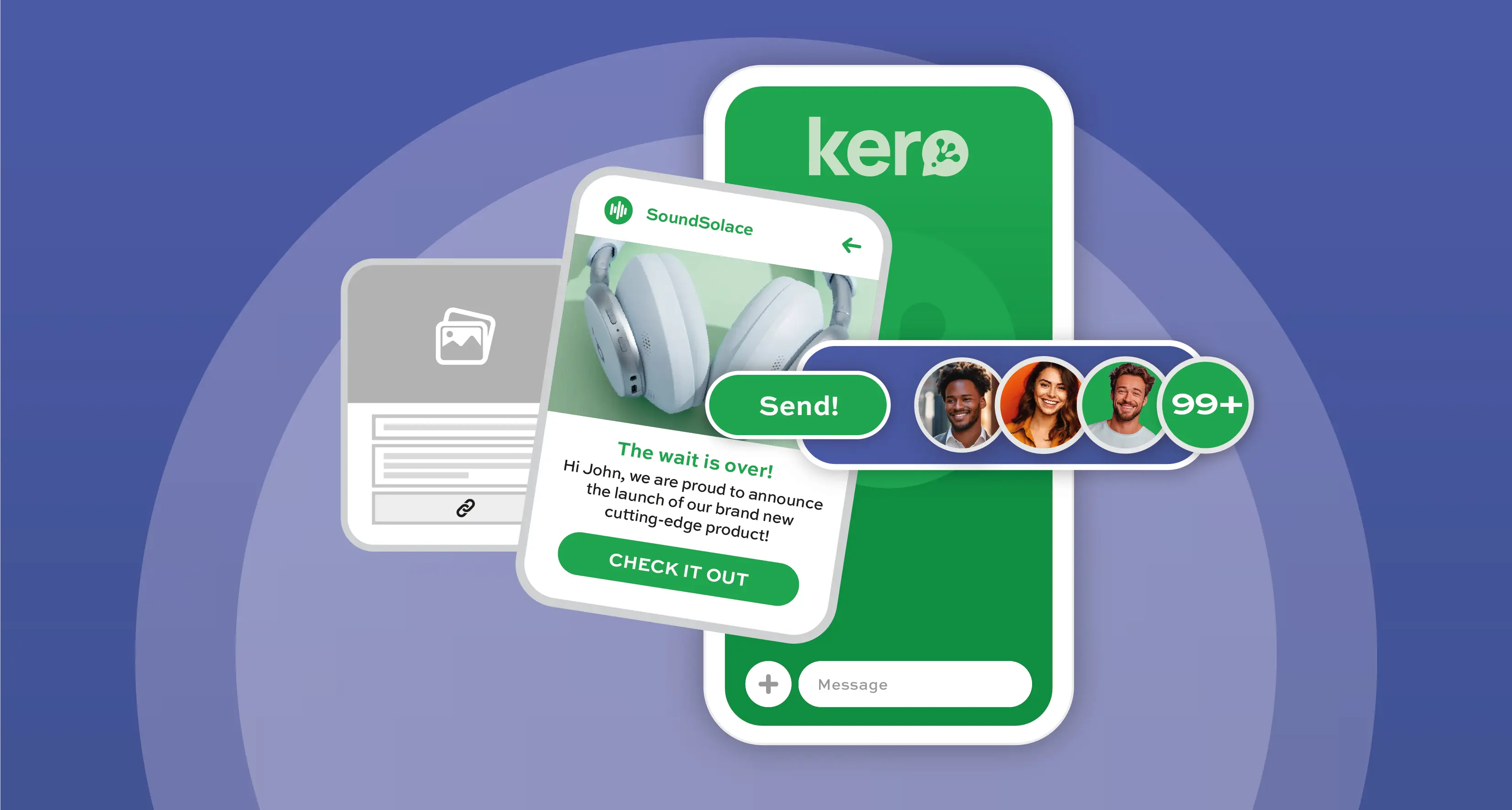
As much as the standard WhatsApp app is for personal conversations, WhatsApp for Business solutions, especially the WhatsApp Business Platform, give businesses a full kit to send out bulk notifications, marketing campaigns, and updates at scale via the WhatsApp channel.
’WhatsApp calls these outbound business messages broadcasts rather than bulk messaging, which is a term inherited from SMS business communication. While you can send broadcasts with the WhatsApp Business App, a solution for small businesses with the ability to send to a limited contact base, this blog will focus on broadcast messaging at scale using the WhatsApp Business Platform, geared for brands and enterprises. Here’s how bulk messaging works and how you can get the best results out of your WhatsApp business messaging.
For scaling Business communications, the WhatsApp Business Platform is the WhatsApp for Business solution for large-scale messaging, automation, CRM integration, and customer engagement across thousands of users. With this platform true bulk messaging can be realized, but it comes with a defined messaging tier structure and strict compliance requirements to ensure WhatsApp content rules are adhered to.
Ensuring quality business messaging
To prevent spam and ensure message quality, WhatsApp uses a tiered system. This sets out the number of broadcast messages you can send and is based on quality rating, a rating based on customer feedback and opt-out metrics related to you messaging campaign. The following messaging per customer limit tiers applies for WhatsApp business messaging:
- Tier 1: 1,000 users/day
- Tier 2: 10 000 users/day
- Tier 3: 100,000 users/day
- Tier 4: Unlimited
You can automatically scale your engagement to higher tier if your quality rating stays in the High or Medium range and you utilize at least 50% of your current limit within a 7-day period.
Pre-approved templates get the bulk message across
The golden rule for using the WhatsApp channel for broadcasting bulk communication is to use pre-approved message templates for your marketing, utility, and authentication messages. Any bulk message sent outside the 24-hour customer-service window must use a Meta-approved template. These are templates designed to protect customers from spam and ensure that only quality content is sent via WhatsApp.
Meta also allows you to create new templates directly on the WhatsApp Business Platform and, in most cases, they are approved within seconds, or rejected just as quickly with a reason, so you can adjust your message content and then resubmit them.
Using a messaging partner for managing your contacts efficiently
While you can set up an API integration directly with the WhatsApp Business Platform, many enterprises select a provider, like Kero, as their messaging partner to support their WhatsApp business communications strategy.
With the Kero platform, you can optimise your use of the WhatsApp business messaging channel. Not only do you benefit from a team of messaging experts to guide your set up and onboarding with Meta, but you also gain access to an interface to manage your messaging campaigns. For example, you can import as many customer contacts as you want within the Contacts module, organize them into multiple audience segments, and export your contact list to an MS Excel spreadsheet whenever necessary. This provides you with the means to target specific groups, to personalize your bulk broadcast campaigns, and to keep your customer data clean and updated.
Scale your WhatsApp bulk business communications with ease. Kero provides user-friendly platform to get you started using WhatsApp business messaging.

