 Contact Us
 Help Center
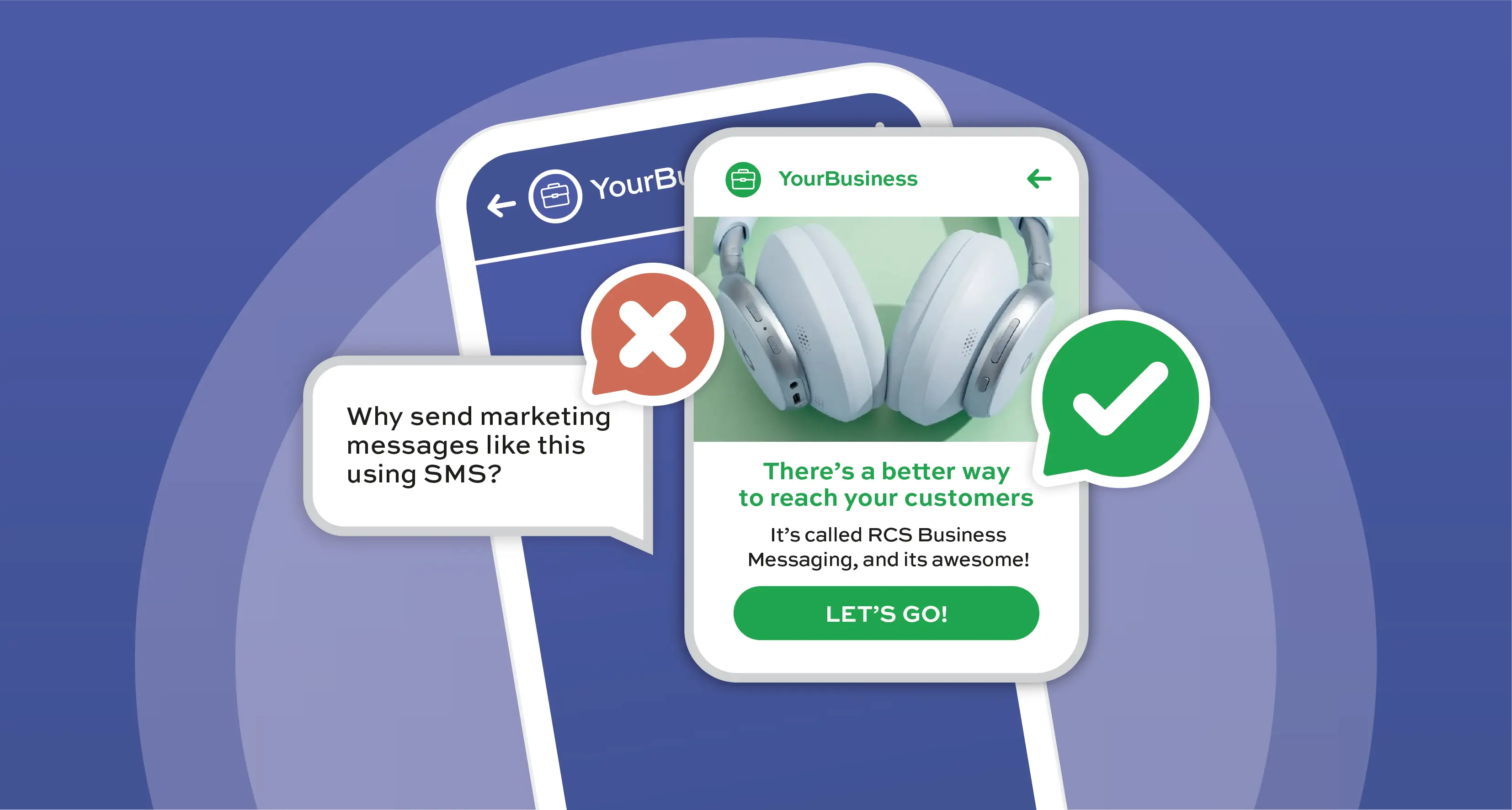
RCS Business Messaging (RBM), or RCS for business, is the modern upgrade to SMS that lets you send rich, interactive messages straight to your customer’s default messaging app. Think: images, videos, carousels, and call-to-action buttons, all in one sleek conversation thread.
But how do you make the switch from SMS to RCS for your business communications?
Here’s a simple breakdown:
1. Partner With an RBM Messaging Provider
To get started, you’ll need an official RBM provider (also known as an aggregator), like Kero. They handle the heavy lifting; integrating with Google’s RBM platform, streamlining approvals, managing delivery and fallback logic, and keeping your campaigns compliant and trackable.
2. Register and Verify Your Brand
Before you send anything, your brand needs to be registered and verified via Google. This step is essential for trust and visibility. Once verified, your messages come from a branded sender ID complete with your logo, colours, a brand banner, and a shiny verified badge. No more anonymous long numbers.
3. Build Rich, Conversational Campaigns
Here’s where RBM outshines SMS’s text-based messaging completely. You can send:
- Carousels with tappable calls-to-action (CTAs),
- Suggested replies and quick actions,
- Real-time updates (think: order tracking or appointment reminders), and
- Rich media like videos, maps, or QR codes.
It’s not just messaging, it’s mobile UX in a chat bubble.
4. Check RBM Availability by Country and Mobile Network
RBM is expanding fast, but it’s not everywhere just yet. Availability depends on both the country and the mobile network operator (MNO). Before you launch, make sure RBM is supported in your target market and by the key carriers your audience uses.
5. Implement SMS Fallback
As mentioned above, not all devices or networks support RBM as yet, which is why SMS fallback is a must for now. It ensures your message still reaches users who can’t receive RBM – typically via a simplified SMS version of your RCS Business Message.
Most RBM Messaging-as-a-Service platforms handle fallback automatically, but to be safe, it’s worth confirming this with your provider and requesting that fallback be enabled.
You’ll also need to:
- Write a clear fallback message that communicates the essentials – without the rich media.
- Enable SMS fallback within your platform settings, if not done by default.
- Test both RBM and SMS message flows to ensure consistent delivery and customer experience.
Fallback may not be rich or interactive, but it still guarantees message continuity, which is what matters most.
Ready to upgrade your business messaging?
Book a demo with us and see how RCS can help you start smarter conversations that actually get results. For more information vistit our RCS Business Messaging page.

