After registering your Kero account, you’ll need to verify your email address before accessing the platform. Kero sends a verification code to the email address you provided during registration.

Verify your email address

1

Check your email

Open the inbox for the email address you used to register with Kero.Look for the verification email containing your code.
Kero email verification code
2

Enter your verification code

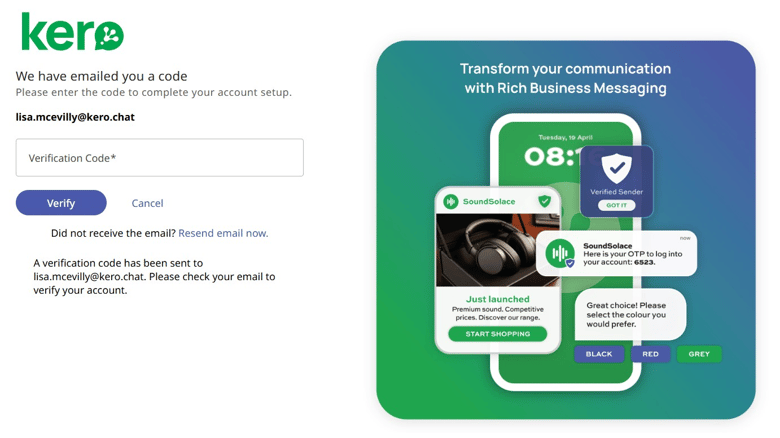
Return to the Kero registration screen and enter the verification code from your email.
Kero verification code entry screen
3

Verify your account

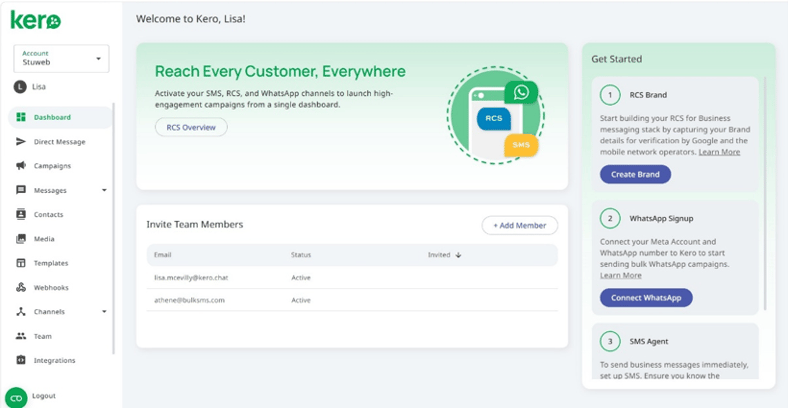
Click Verify to confirm your email address.Once verification is successful, you can access the Kero platform.

What happens next?

Your Kero account is now verified. The next step is to set up your Kero billing account before configuring your first messaging channel. You don’t need to add a payment card to complete Kero billing registration.